Sometimes in order to find out which solution can be called the best one, you need to put contestants in a ring. When you give them a real fight, it will become possible to understand which one is your personal winner.
If you are already familiar with such a notion as a multipurpose template, you should know that the Internet is cluttered with them. Universal solutions offer users the opportunity to showcase a bunch of topics that are not connected with each other. Without a proper battle, it is hard to select the most appropriate one. Today we want to invite you to a huge battlefield. Do not worry – you will be only a spectator.
In this article, you will find out more about three participants of this digital battle, including how Divi vs Avada compares. You will be able to take a look at:
● Monstroid2;
● Divi;
● Avada.
In our opinion, it is time to get down to business here and now. Meet the first participant in the right corner of the ring – the newest version of Monstroid2 that will make you fall in love with all of its features.
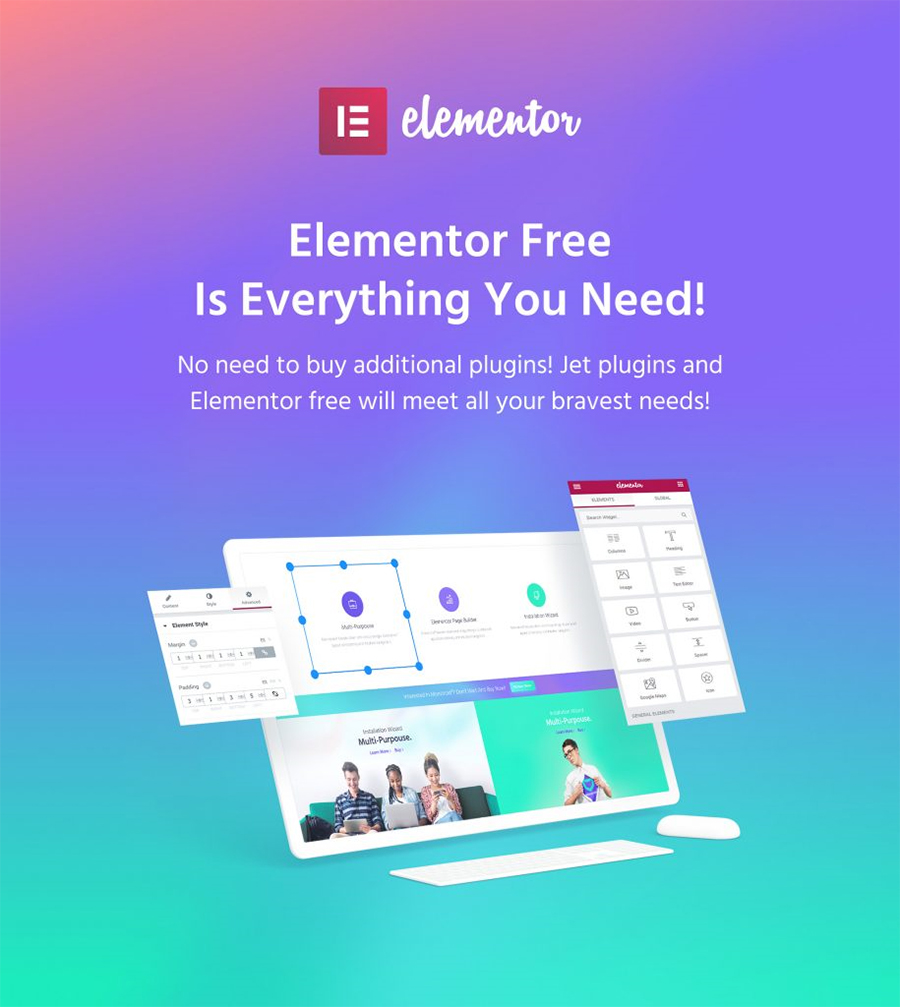
Monstroid2
It is completely impossible to keep calm about this very update of Monstroid2. Who knows? Maybe, these brand new options will knock every other contestant out within seconds. Let’s find out the answer to this question together.
1. Unique and Eye-Catching Design
Elementor Builder
Of course, the first key feature of the newest Monstroid2 is Elementor Builder. If we came back in time, you would know that Monstroid2 came alongside Power Page Builder. At some time, it turned out that this website builder gave not enough customization options. As a result, final designs were quite similar to each other, so the team of TemplateMonster made a decision to replace Power Builder with Elementor Builder. Fortunately, they did not miscalculate with their choice.
With the help of Elementor Builder, users got a wonderful chance to build unique websites that do not repeat each other in their design. In addition to this, even beginners (who have heard about coding for the first time) can build a professionally-looking website. Meanwhile, various skillful web-developers can save their time and get their projects ready in a flash.
500+ Stunning Sections and 20+ Elegant Skins
Only one click on the Magic Button – and you will get access to 20+ skins and 500+ sections. Nowadays you do not need a wizard to make magic happen. If you want to mix sections from different skins in one single design, you are completely free to do it. Thanks to this very feature, you will be completely sure that your design will distinguish itself from a huge number of others.
If you do not find your ideal skin in the collection, there is no need to worry. Each week is going to bring you new amazing sections and skins.

2. Marvelous Speed and Weight
Have you ever thought that it would be great to get a ready-made template that weighs no more than 250kb? TemplateMonster markets the new Monstroid2 as a lightweight package, and its demo loaded in about 1.2s when this article was written. Real speed depends on your content, plugins and hosting.
A light theme also puts less load on your server.
Even so, cheap shared hosting can still slow a site down, so choose a host that keeps WordPress up to date and fast.
 3. JetPlugins
 3. JetPlugins
In order to make your website work even better, you may need to think about installing some third-party plugins. You may not need to browse the Internet to find them, because the essential plugins are already included in the package of the new Monstroid2.
- JetBlocks
- JetTricks
- JetWooBuilder
- JetTabs
- JetParallax
- JetReviews
- JetMenu
- JetElements
- JetBlog
4. WooCommerce
A fully-fledged WooCommerce integration will not leave you alone in selling your services and goods. You can easily create custom product pages and make people become interested exactly in your assortment.
Theme not behaving? Broken layouts, failed theme updates or style changes you can’t get right. We fix them for a flat $249. See theme fixes →
Divi
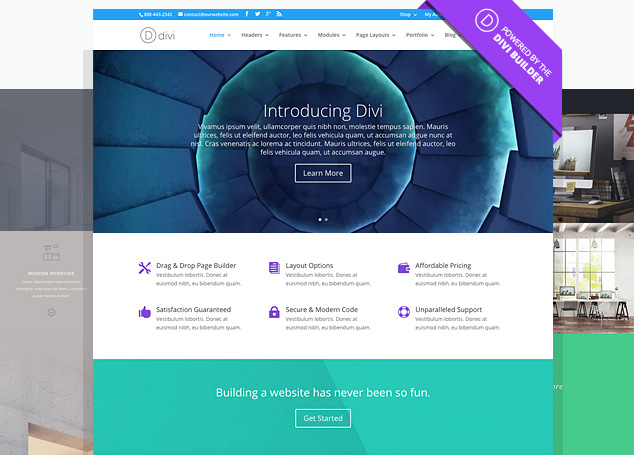
It seems that Divi is a little bit tired of waiting in the left corner of the ring. How can we prevent this amazing multipurpose solution from introducing itself? So, what brilliant options does this powerful template include?
- A Feature-Rich Divi Builder
- With the help of Divi Builder, each person will be able to create tailor-made designs of their pages. There are lots of customization opportunities (regarding colors, fonts, and other elements) that will make it possible to build an online-project that will stand out from the crowd.
- A Great Number of Layouts and Page Templates
- You will be able to showcase different niches together with these attractive and well-organized layouts and page templates.
- Clear Documentation
- Are you a novice in website building? Do you know nothing about this sphere? Clear documentation will guide you through this process.
- Different Useful Modules
- If you want to make your website become even more functionally-rich, just take advantage of multiple modules included in the package.
- Frequent Updates
- You will get more page templates and other new options thanks to regular updates.

Free guide from LeDetailWP
WordPress Cleanup Guide
Declutter your WordPress site, clear out what slows it down and find the free plugins that keep it running smoothly.
My theme broke and I could not fix it myself. I contacted fixmywp.com and they had me up and running under 24 hours.
Avada
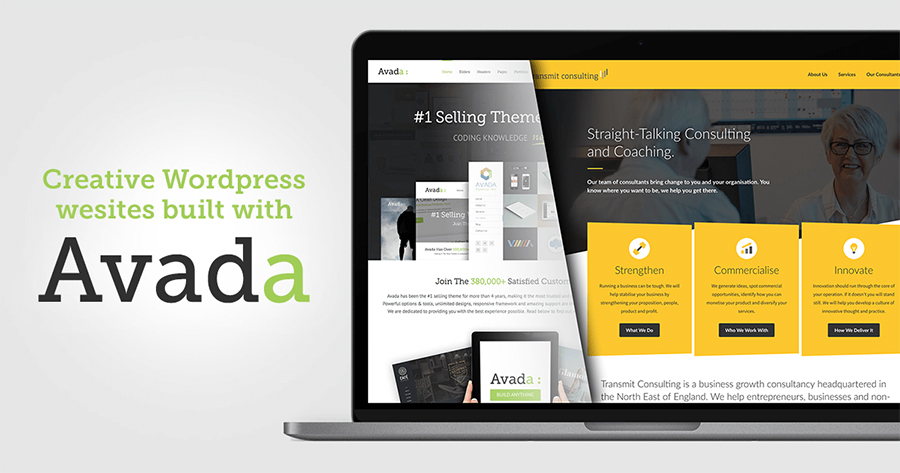
The last participant that stands on the ring of multipurpose solutions is Avada. This template also includes different elements, options, and plugins that allowed it to become a contestant of this digital battle.
- A Great Fusion Builder
- Avada also includes a flexible drag-and-drop builder that makes creating a website easier. It was called Fusion Builder when this article was written and is now named Avada Builder.
- Advanced WooCommerce Customization
- If you want to turn your website into a great online-store, this template will assist you in this purpose. Provide users with a pleasant shopping-experience together with a powerful WooCommerce integration and multiple customization options.
- Lots of Excellent Demo Pages
- There are lots of different demos designed for different topics. You will definitely find the one that will catch your eye.
- Powerful Additional Plugins
- You will not need to search for third-party plugins for your future online-project. This template has you covered and already offers the most necessary plugins.
- Easy-to-Use Template
- As in the case of other templates mentioned on the top, you do not need to know everything about coding to launch a website.
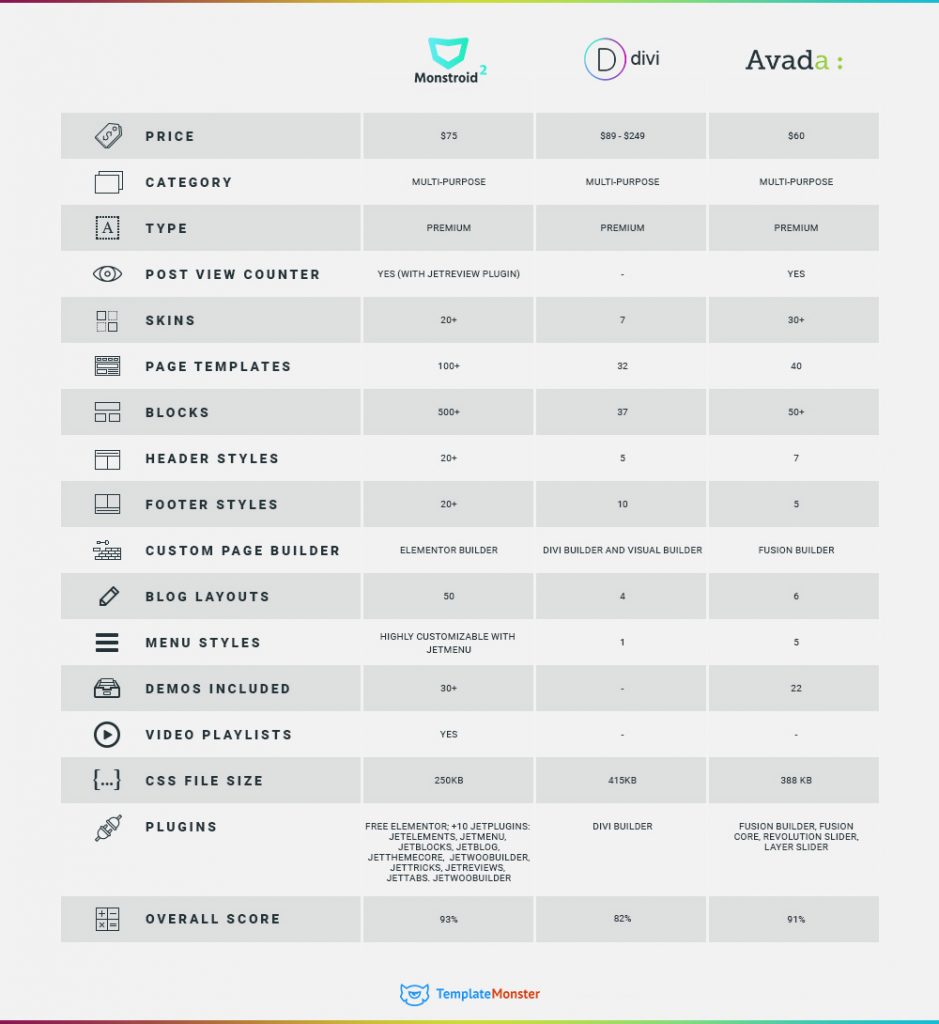
Now you can compare these three variants using this infographic. If you are choosing between Divi vs Avada, both are still actively developed, so check each theme’s current features, pricing and update history before you buy.